
Choose the effect before choosing the strip.
Use white lighting as a starting point for readable product shelves, RGB for colour accents, and RGBW when both colour effects and a dedicated white channel are required. Edge-lit engraving and backlit graphics need their own panel and light-source arrangement. Review all of them with the actual merchandise in place.
1. Define what the lighting needs to do.
“An LED vape display” can describe several different fixtures. One lights each shelf so customers can read the packaging. Another uses a glowing frame around a cabinet. A third illuminates an engraved logo or a printed header while leaving the shelves unlit.
Identify the important viewing position and the part of the fixture that needs attention. A countertop stand is often viewed at close range; a floor cabinet also needs to work from farther away. The same exposed light source may look different from those two positions.
| Effect | What it highlights | Check on the sample |
|---|---|---|
| Under-shelf lighting | Product boxes, labels and the shelf below | Product shadows, glare, brightness and light-source visibility |
| Edge-lit engraving | A logo or engraved detail in a clear panel | Engraving appearance, edge contact and unwanted bright spots |
| Backlit graphic | A translucent printed header or panel | Light distribution, print density and visible LED dots |
| RGB accent | A frame, shelf edge or selected branded detail | Colour setting, effect speed and interaction with product colours |
These effects can be combined. Giving them separate roles makes it easier to explain which areas need white light, which need colour and which should remain unlit.
2. Be specific about white light and colour.
White light for merchandise
Discuss whether the products should sit under warm, neutral or cool white light, then confirm the actual colour temperature offered for the selected component. If colour accuracy matters, request the supplier’s colour-rendering information and review your printed packaging under the proposed light.
Tunable white is a separate requirement: it allows the white tone to be adjusted within the system’s specified range. Write this into the brief if it matters. “White LED” by itself does not describe the available adjustment or dimming.
RGB for colour effects
RGB is useful for an orange outline, a coloured shelf edge or another accent that supports the brand. Specify whether the display should remain on one colour or cycle through effects. If packaging needs a consistent appearance, consider keeping the product lighting separate from the colour accent.
RGBW when a white channel is also needed
RGBW combines colour-changing channels with a dedicated white channel. Flexfire’s RGBW product information shows this distinction. The presence of that white channel does not, by itself, specify tunable white; confirm the particular white option and controller functions.
3. Match the acrylic and diffusion to the effect.
A clear shelf, an engraved logo panel and a uniformly glowing header do different optical jobs. Their acrylic grade, surface treatment, light-entry position and surrounding construction may also differ.
For example, ACRYLITE’s light-guiding edge-lit sheet is formulated to distribute light entering through an edge. That is a specific material solution. An ordinary clear acrylic shelf should not be assumed to produce the same evenly illuminated surface.
For a backlit panel or covered strip, review the distance between the light source and the visible surface, the diffuser and the finished graphic together. Ask to see the complete assembly switched on. An individual LED component photograph cannot show the final panel’s distribution or dot visibility.
4. Judge brightness with the display loaded.
Load the intended product range before assessing the lighting. Tall packs can hide an under-shelf strip; glossy boxes can reflect a bright source; a dark header can absorb light that looked strong on an empty bench.
View the sample from the normal approach direction and from the staff side. Check whether the product names, flavours and price labels remain easy to read. Compare dimming levels under ambient lighting similar to the store, and review the chosen colour effect against the actual artwork.
Photographs and short videos are useful review records, but exposure and screen settings can change the apparent brightness and colour. Where the effect is critical, approve the physical lit sample as part of the development process.
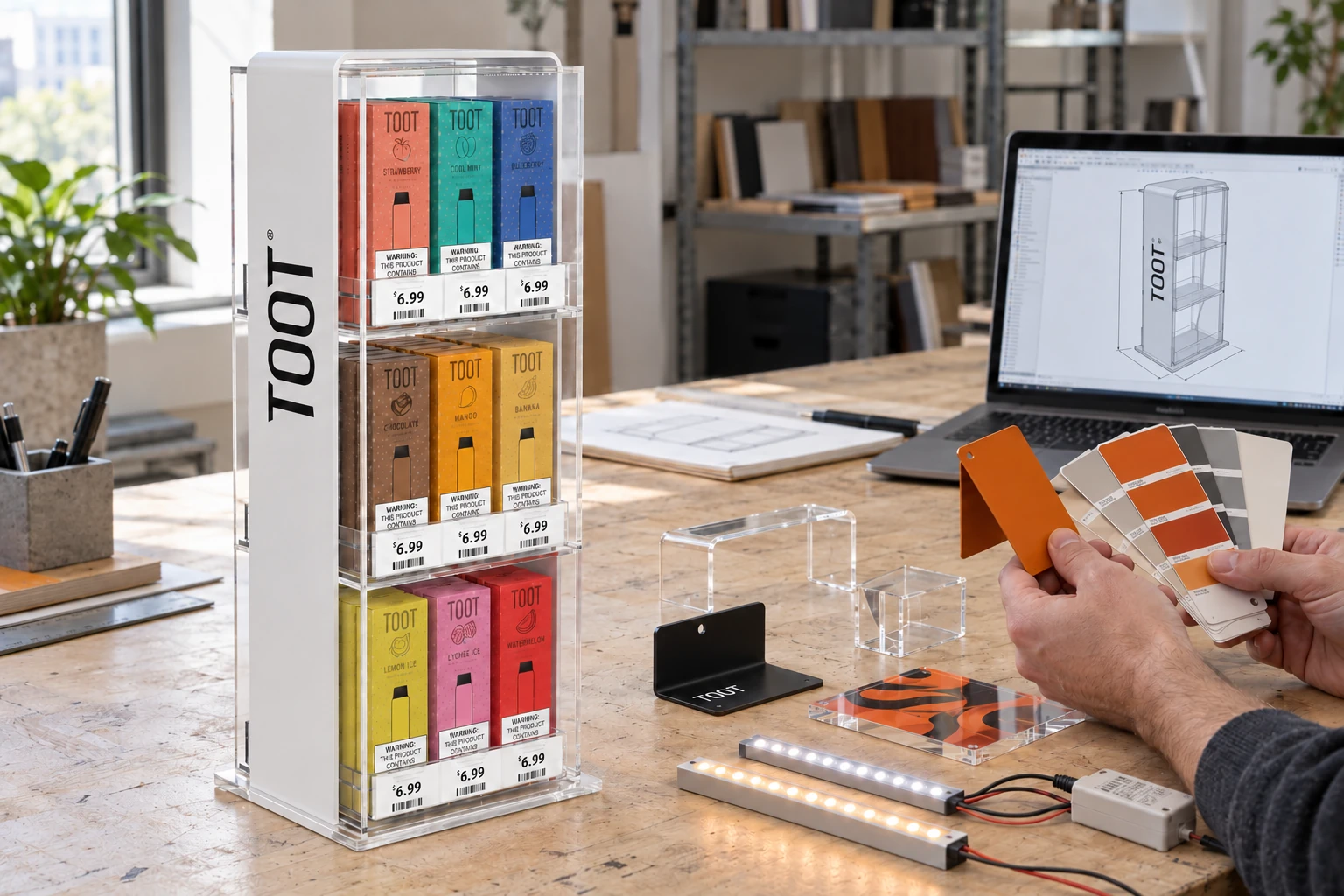
For format references, compare a three-tier cabinet with white lighting and a cabinet with blue shelf lighting. Their appearance is a starting point for a brief; the final component and colour configuration must be specified.
5. Reserve space for power, cables and access.
LED strips, controllers and power supplies need to work as a compatible system. Flexfire’s LED setup guide explains how supply requirements and controls depend on the selected lighting. Record the actual components and their requirements in the specification.
From a display-design perspective, agree on the cable exit, access to the power supply and where staff will operate the switch or controller. A concealed cable route should still allow the specified components to be installed and serviced. Include the destination market and required plug in the brief.
For RGB or RGBW, confirm the available controller functions, whether settings are retained after the power is switched off, and how an effect will be changed in store. If the cabinet ships in parts, show how lighting connections are identified during assembly.
6. Approve the complete lit sample.
Keep a record of these checks
- Products and price labels are readable from the intended viewing position.
- The agreed white tone, RGB colour or effect is shown and recorded.
- Diffusion, visible dots, bright spots and reflections have been reviewed.
- The logo and printed graphic match the approved lighting arrangement.
- Switches, dimming and controller behaviour have been demonstrated.
- Cable routing, power access and assembly connections are documented.
- The lighting configuration and components match the batch specification.
If any light source, panel or graphic changes after approval, identify whether the illuminated effect needs to be checked again. A substitution can affect the way the finished display looks even when its outer dimensions stay the same.
7. Describe the result you want.
A useful request might be: “White light across all three product shelves, with a fixed brand-colour outline around the header. Staff should be able to dim the shelves independently. The power cable exits at the rear, and the display will be used on a retail counter in [destination].”
That description gives the development team a function to design around. Send a reference image and highlight the lighting you want to reproduce. Then choose a display format or follow the custom project brief checklist to bring the rest of the specification together.
Technical references
These manufacturer resources explain the lighting and material principles referenced above. The sample checks are practical buyer guidance; component selection depends on the finished display system.