The practical starting point
Consider acrylic for clear product presentation, dividers and illuminated details; metal for cabinets, frames and structural support; and foamed PVC for lightweight printed panels and shaped promotional displays. Shelf span, support, product weight and the finished sample determine what a particular design can carry.
1. Start with the product and its retail location.
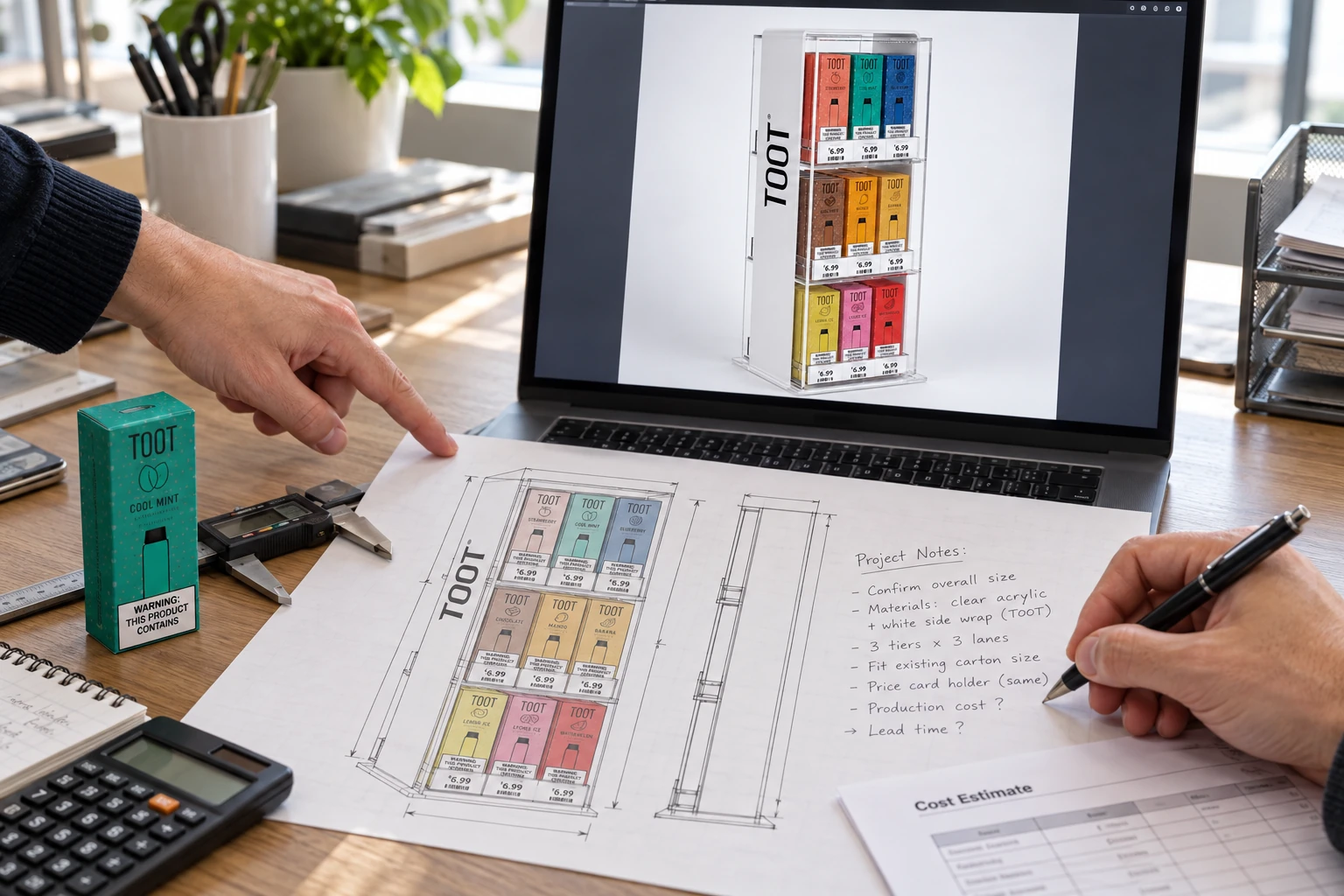
A three-tier vape display can look similar in a rendering and behave very differently in a shop. A row of slim device boxes needs different shelf spacing from refill bottles or stacked nicotine pouch cans. A counter that staff replenish from behind also needs a different opening from a display customers access at the front.
Before choosing a material, record the packaged product dimensions, weight, number of facings and stock depth. Add the available counter or floor footprint and the clearance needed to remove the tallest pack. If several products share one fixture, identify the largest and heaviest combination.
These details define the useful space inside the display. They also reveal where supports, dividers, retaining lips or a wider base may be needed. Choosing a material before that exercise can leave you with a beautiful cabinet that is awkward to restock.
2. Compare materials by the job they perform.
| Material | Useful roles | Confirm in development |
|---|---|---|
| Acrylic / PMMA | Clear shelves, product dividers, countertop cabinets, logo panels | Sheet grade and finish, shelf span, joints, edge treatment and cleaning |
| Metal | Cabinet shells, floor-standing frames, brackets and support rails | Material and gauge, bends, fasteners, stability, coating and packed weight |
| Foamed PVC | Printed headers, coloured panels and shaped countertop displays | Board grade, thickness, support, edge appearance and print adhesion |
| Mixed materials | Metal housing with acrylic trays, or a reusable frame with graphic inserts | How parts attach, assembly access, tolerances and replacement options |
Use this comparison to shortlist a construction route. It is not a load rating or a fixed price ranking. Machining, finishing, order quantity, packaging and shipping volume all affect the final quote.
3. Use acrylic where visibility and detail matter.
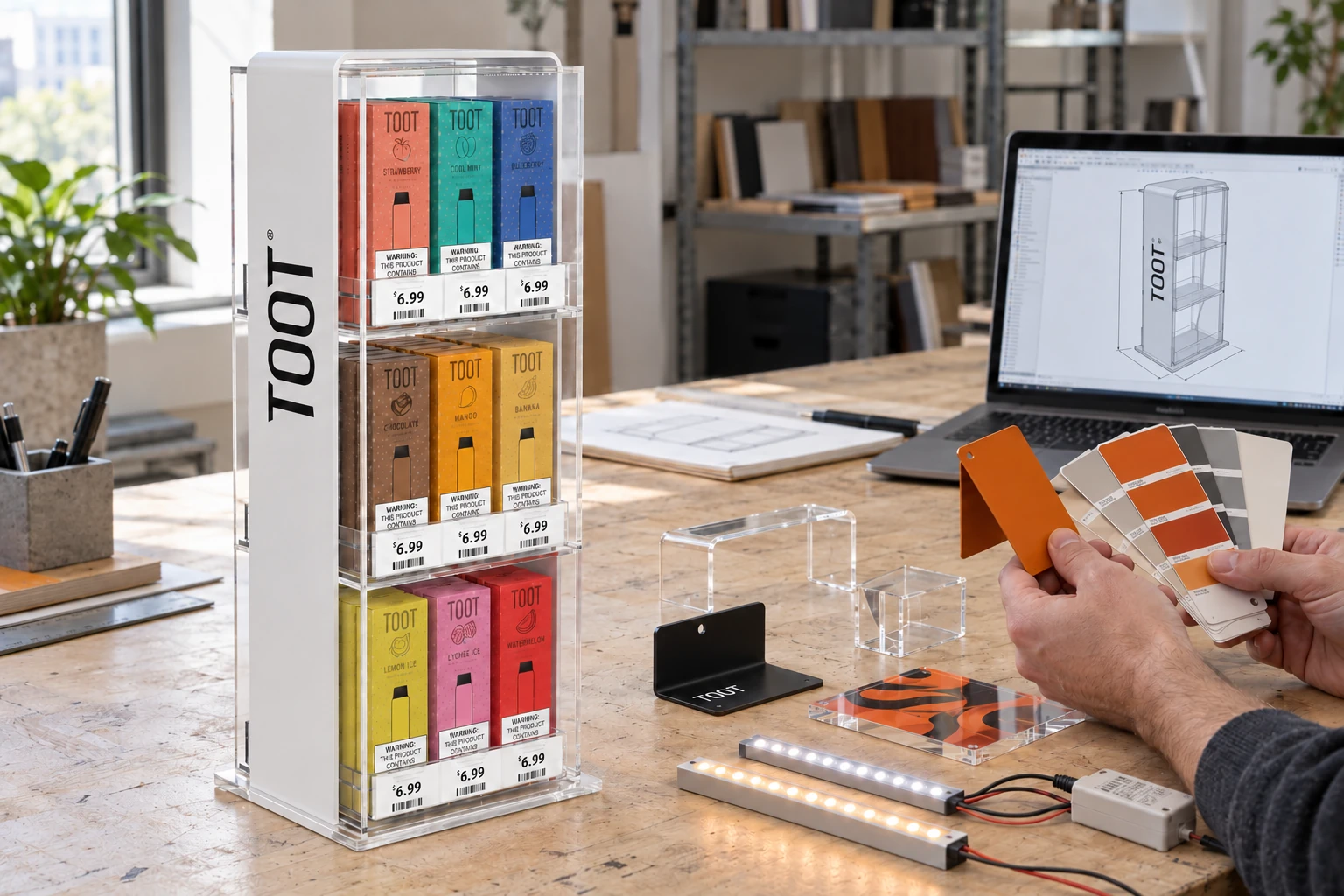
Clear acrylic can keep device boxes and printed packaging visible through shelves and side panels. White or coloured acrylic can give the same display a solid branded surface; frosted finishes can soften the appearance of a panel. Specify which surfaces need transparency rather than making the whole unit clear by default.
Acrylic can be cut, bent, bonded and decorated through several fabrication routes. ACRYLITE’s fabrication manuals cover these processes and the importance of material-compatible methods. For a custom display, ask which joints will be bonded, which panels will be heat-bent and which edges will remain visible.
A thicker panel alone does not solve every design issue. A long shelf may benefit from a support or a shorter unsupported span. Review the loaded sample, the quality of visible bonds and the way a product slides past a retaining lip. Agree on cleaning instructions suitable for the selected acrylic grade and decoration.
4. Use metal to resolve the structure.
For a floor-standing display or enclosed cabinet, a metal shell or frame gives the design a route for shelf supports, doors, fixings and cable management. Sheet-metal parts can also form clean side panels around clear acrylic shelves. The appropriate material and gauge depend on the geometry and loaded fixture.
Discuss bends, welded areas, hardware and assembly access before approving the exterior. Protocase’s sheet-metal design guides show why material, bend geometry, fasteners and finishes need to be considered together. A tidy rendering does not establish how a cabinet will be assembled or maintained.
For a brand-colour finish, send the colour reference and approve a physical coated sample where colour is critical. Keep the approved finish, surface texture and gloss level in the specification. For tall displays, include a stability review with the intended stock and any installation requirements.
5. Use foamed PVC for the right printed components.
Foamed PVC is useful when a display needs lightweight, shaped panels or prominent printed graphics. Palram lists point-of-purchase displays and printing among PALIGHT’s applications. Board grade, density and thickness still need to suit the proposed construction.
On a small countertop unit, check the stiffness of the shelves and the way the side panels support them. On a larger fixture, a PVC header or graphic panel may be more appropriate than making every load-bearing part from the same board.
Ask to see the exposed edge, a printed colour sample and the finished joint. If a display will sit near a shop window or heat source, include that location in the brief so the material and printed finish can be reviewed for the actual conditions.
6. Give each material a specific role.
A mixed-material display can separate the structure from the product presentation. One option is a coated metal cabinet with clear acrylic shelves or pull-out trays. The metal provides mounting points; the acrylic lets staff see the products and stock arrangement.
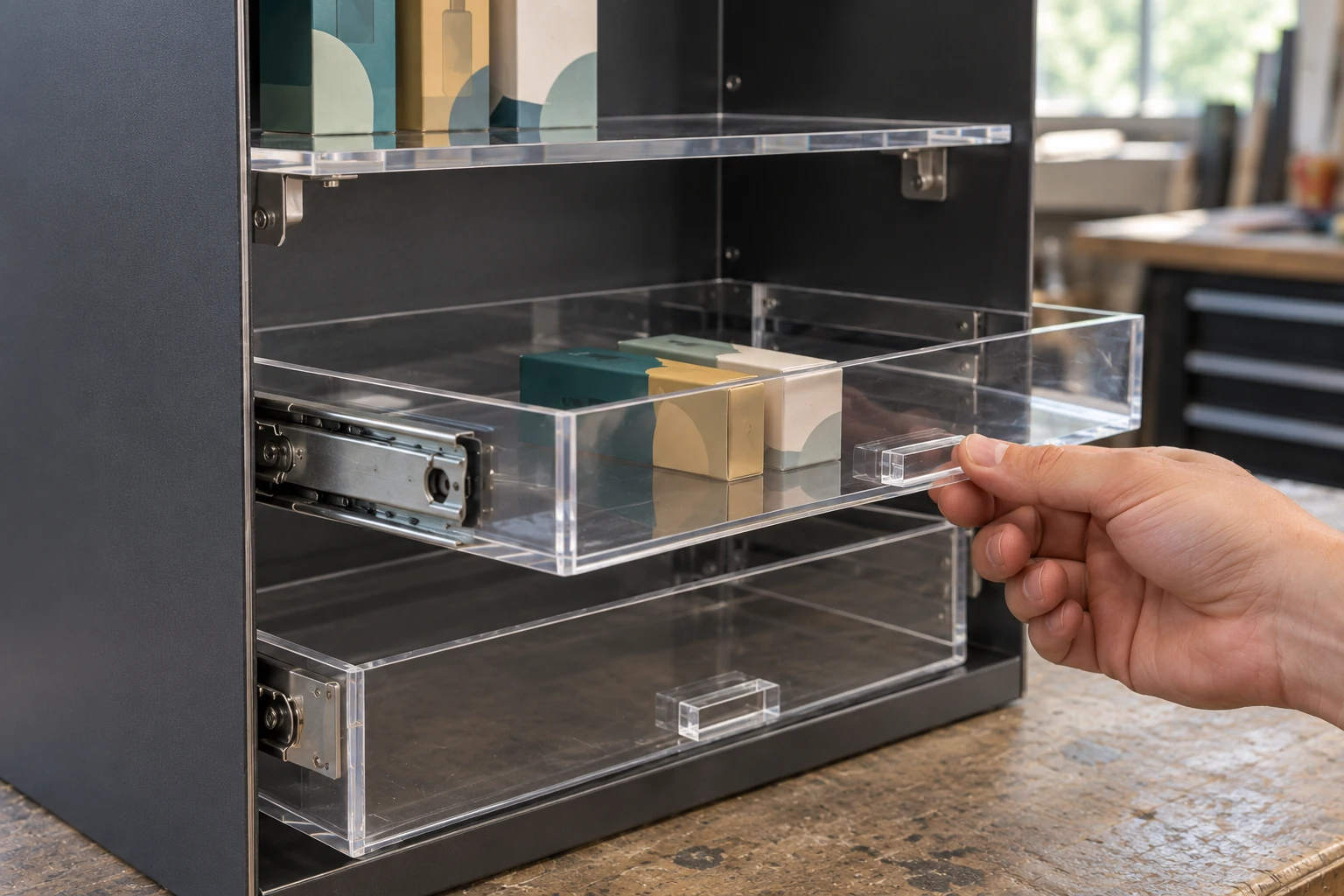
The important detail is the connection between the materials. Confirm bracket positions, drawer clearance, fastener access and whether a damaged tray can be replaced. If the fixture ships disassembled, the joining method must also be understandable to the person building it in store.
7. Plan lighting and artwork before the sample.
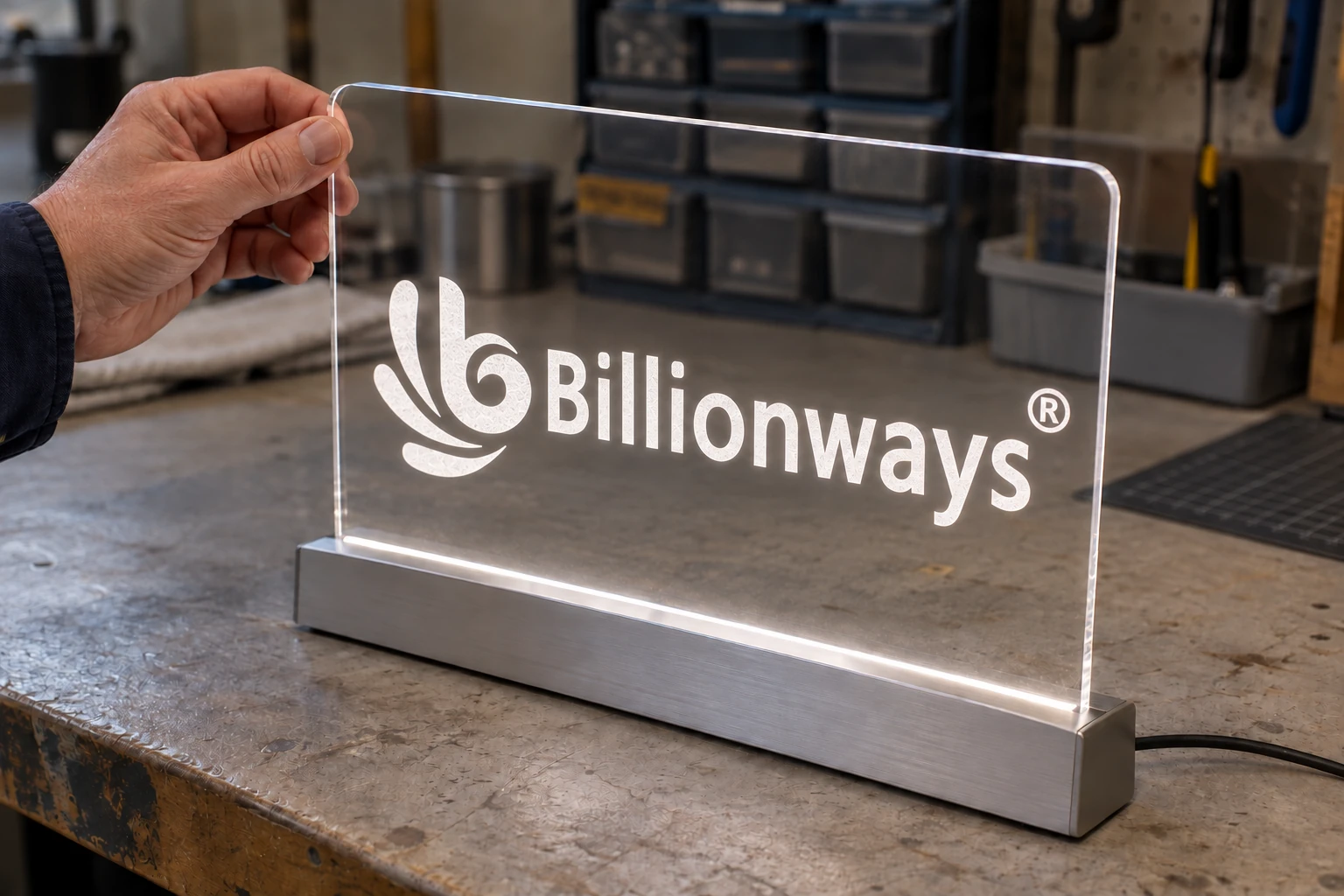
Illuminated shelves, engraved logos and backlit headers need different panel and lighting arrangements. Discuss the effect you want rather than specifying “LED acrylic” for the entire cabinet. Leave space for the chosen light source, diffusion, wiring and accessible power components. Our LED display lighting guide explains these choices.
For graphics that change with a product launch, consider a replaceable insert, film or removable panel. For permanent decoration, agree on the printing or marking method and approve it on the intended surface. A screen image does not establish how the colour will look on clear, white or coated material.
8. Send a material brief the team can work from.
Include these details
- Product dimensions, weight, facings and quantity per shelf.
- Available footprint, access direction and refill method.
- Clear, opaque, frosted or branded surfaces.
- Colour references, artwork and the required lighting effect.
- Parts that should be replaceable or removable.
- Assembled or flat-pack delivery, destination and order quantity.
You do not need to decide every material yourself. A sketch or reference image with these details is enough to begin reviewing options. See our custom display development process, or use the project brief guide to prepare the next step.
Technical references
The material notes above draw on these manufacturers’ resources. The selection checklist is practical project-planning guidance from Billionways; final specifications depend on the chosen design and sample.